Tag Archives: machine translation apps

Journalist Nina: “The other choice would have been no interview at all”

20 December 2023

On the bus was a Ukrainian man who was willing to talk to me. He spoke very little English and we had no interpreter, but the photographer suggested we try using Google Translator to communicate. I had my doubts about it, wondering if it’s ethically OK to use it that way, because there is a risk that something would go missing in the interview. But there we were on the bus with someone who was willing to talk to us, and we thought it would anyway be better to get an interview than not get one. This arrangement also seemed to be OK for the potential interviewee. A large part of the communication in that interview was conducted through Google Translator.

After that I’ve done more interviews with Ukrainians using Google Translator, but only when they know some English. We do the interviews mostly in English and use the translation app when we run into trouble understanding each other or one of us wants to explain something that we can’t do fully in English. So the translation app is a back-up support for communication instead of being the main method of communicating. But if there is no common language at all or the interviewee’s English is not good enough, then I would consider getting an interpreter instead.

Usually I suggest using a translation app when we are agreeing on the interview – I suggest that we use English with Google Translator as a back-up. Other times I’ve already started interviewing and then the interviewee pulls out their phone to communicate something. I’ve noticed that Ukrainians are used to using Google Translator. You start to talk and they pull out their phones. They’re also pretty good at it, at least if you compare it to how I used it back then. They also often use it with speech – they talk into the phone and then play the translation for you. I used to rely on the writing function but have now started to use it with speech more often.

And things do go wrong sometimes, maybe 5–10% of the time. When you use it in face-to-face communication, you can see immediately if there was a translation failure – I can see from the interviewee’s expression that something came out funny. This happens once in a while, but especially when we are talking about topics that have a lot of specific terminology – then things go wrong more easily. Sometimes I try explaining my way around a topic or asking, ‘Did you mean this?’ Every once in a while, some part of the interview is so hard to understand that I have to consider leaving it out.

Occasionally I use translation apps in other parts of my work too, mostly when reading background material for news articles, and mostly with languages I’m already familiar with. For example, when Shinzo Abe was assissinated, I wanted to read the material put out by the Japanese press. The large Japanese media site The Asahi Shimbun has information in English, but they have different information in Japanese and I wanted to read that. I know some Japanese because I was an exchange student in Japan when I was younger, but not enough to read the content quickly. So I translated the Japanese into English with the internet browser’s translation function, and between the English it produced and my own Japanese, I got deeper information.

I do have some doubts about using Translator. I wonder if the translations are really good enough for it to work or if I should be considering some other option. My biggest concern is that something could get left out or some meaning could go missing. But so far things have worked fine. And then again, the same risk is present when the interviewer and interviewee are both speaking English, which is neither one’s native language.

I think I can take the uncertainty of relying on a translation app pretty well. To me the most important thing is to make sure I understand, and write, the information and facts correctly. It is not as important to get the right tone, because as a journalist, I am responsible for facts and not tone. Some interviewees, especially those that are active in social media, can be strict about their image and might react when the tone of an article is not exactly how they’d like it to be. But the ethical guidelines for journalists make it clear that our job is not to give people good PR but to report on the facts. So facts are my focus, but in getting those facts straight, I still worry that something might be left out.

The people I’ve interviewed, on the other hand, seem to be fine with using a translation app. That might be because they are living in an environment in which all communication is a bit uncertain.

One thing I do to make sure I get things right is to send the article I write to the person I interviewed for comment before I publish it. This is something journalists commonly do, but what I do with Ukrainians is use a translation app to create two versions of the article: one translated into English and the other into Ukrainian. I want to make sure they are able to understand the text well enough to verify that it’s OK or make comments, and that they can comment on things in the Ukrainian translation that I can then check in the English version.

Another principle I have is that, when I’ve relied a lot on Google Translator in an interview, I always mention that in the article I write. I think the reader should know that. If they know anything about translation apps, they’ll understand that things might have happened to the original tone of the interview. That the facts are probably the same, but the tone might be a little different. It’s important to be transparent.

Why don’t I use a human interpreter? Sometimes I wonder if I should consider other ways of doing this. For example, the last time I was going to interview a Ukrainian, I thought seriously about using an interpreter. But the interpreter would most likely not be a professional – we tend to use non-professionals who just happen to know two languages, and my newspaper doesn’t have a process for finding and using a professional – so I figured that, with my decent English and a translation app, the benefit would be the same as if an interpreter does some kind of translation.

Also, in journalism you are always in somewhat of a hurry, which is not always such a good thing. Translation apps are simply faster, and you can get interviews that might otherways take a lot of effort. But I have to admit that there is a bit of pure feeling involved too – I feel like an interpreter would kind of come between the interviewee and me. That might slow down our communication and break the direct connection between me and the person I’m talking to.

In the end, the choice is sometimes to use Google Translator or have no interview at all. I have always felt that, even with the uncertainty involved, it’s more important to get the interview.
Eeva’s story: 现在我们出去玩 (Now we’re going out to play)

29 January 2019

This is a good time to tell you about how we used Google Translate with our now-6-year-old son because just last week we celebrated the 2-year anniversary of when we went to China to adopt him. He had just turned 4 then.

Before we left for China, I wondered how we’re going to manage to communicate with a little boy who speaks his own language but doesn’t yet know how to read it. And we didn’t know any Chinese. We had a Chinese guide with us on the trip, so I asked him about maybe using Google Translate. He said yes, that could work; he had a similar tool that he used from time to time. He told us the right version of Chinese to use with it and also gave us advice on how to use it. The main thing was to use as simple and short sentences as possible.

We tried it out, typing out our Finnish sentences and then having the app “speak” in Chinese. We considered using spoken Finnish input too, but thought that there might be a bigger chance of mistakes then so we stuck to typing. We did say the sentences out loud in Finnish as we typed so that our son would start to connect what we were saying with what was happening.

Our son is a very responsive child and quickly figured out that the Chinese coming from the phone was telling him something helpful. He would nod and then do what the app told him to do. Or he might answer back ‘No!’ if he didn’t want to do what it was telling him to do (that was a Chinese word we learned quickly). Either way, we knew he understood.

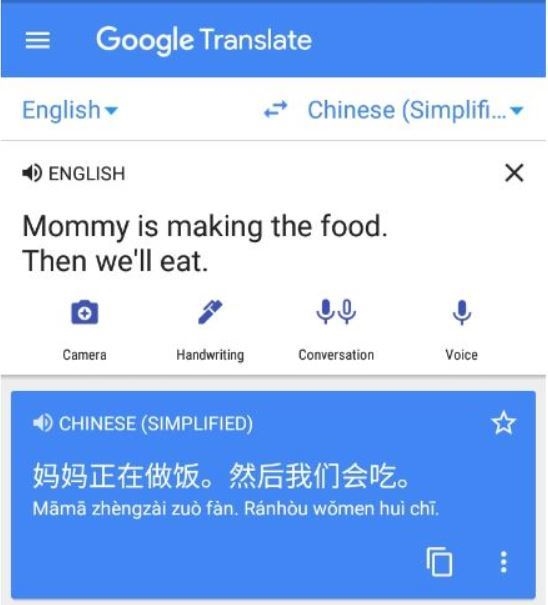
We used this system mostly for things that we couldn’t communicate through hand signals. Things like what is happening and what we’re going to do next: “Mommy is making the food. Then we’ll eat.” Why we’re all getting our clothes on: “Now we’re going outside.” That was important, we didn’t want him to feel confused.

Translation of 'Mommy is making the food. Then we'll eat.' from English to Simplified Chinese

I’d say during the first month we used it 10 times a day. I pretty much had my phone near me at all times, ready to go whenever my son showed signs of being confused or wondering about what’s going on. Every once in a while the app clearly got my sentence wrong so I had to try again, but at least half the time it worked fine on the first try.

How did it affect his learning of Finnish? It’s kind of hard to say because I don’t know what it might have been like without us using Google Translate. But I think it most likely made learning Finnish easier. It was just astounding how quickly he picked it up! Though kids at that age, they tend to learn very quickly.

We didn’t end up using this system very long. We met our son in January and I clearly remember that by March he started to use the Finnish words he knew. We had had an interpreter along for things like doctor visits, and in March he also stopped replying to her in Chinese. I guess he might have thought that Finnish belongs to his new life and positive experiences, so he just made a conscious decision to stop using Chinese. 

I recently asked him if he remembers using the translation app at the beginning. He remembered that it was a woman’s voice (true) and that he understood her every time she spoke (not so sure on that one, he tends to be a bit of an optimist).  

Even though we only used machine translation for that short time, it was a very effective time. It helped us to explain things and what was going on. It was a big help.

Mary, machine translation researcher

10  December 2017

Recently I’ve gotten interested in historical machine translation (bet you didn’t know that exists!) I found a fascinating study of some of the first users of machine translation. They were using the Russian-English system developed at Georgetown University in the 1960s. Most were scientists who lived and worked either in the U.S. or in Europe. The study was very comprehensive, conducted mostly through interviews with the people.

The book also mentions that a user study was done in the same time frame in Russia with users of one of the first systems there, which translated between French and Russian. There is a one-sentence mention that the study had similar results to the American one and that the researcher, Olga Kulagina, was at the time intending to write a book on the system and the user study.

That sends me on a wild goose chase for that user study. I pinpoint 1 book and 1 article by Kulagina in 1979-1982. I start with the book, ordering it through the library’s long-distance loan. Yesterday I get a note that it arrived. I excitedly go to get it and it’s not until I get back to my office that I remember a small but annoying fact.

I don’t know any Russian.

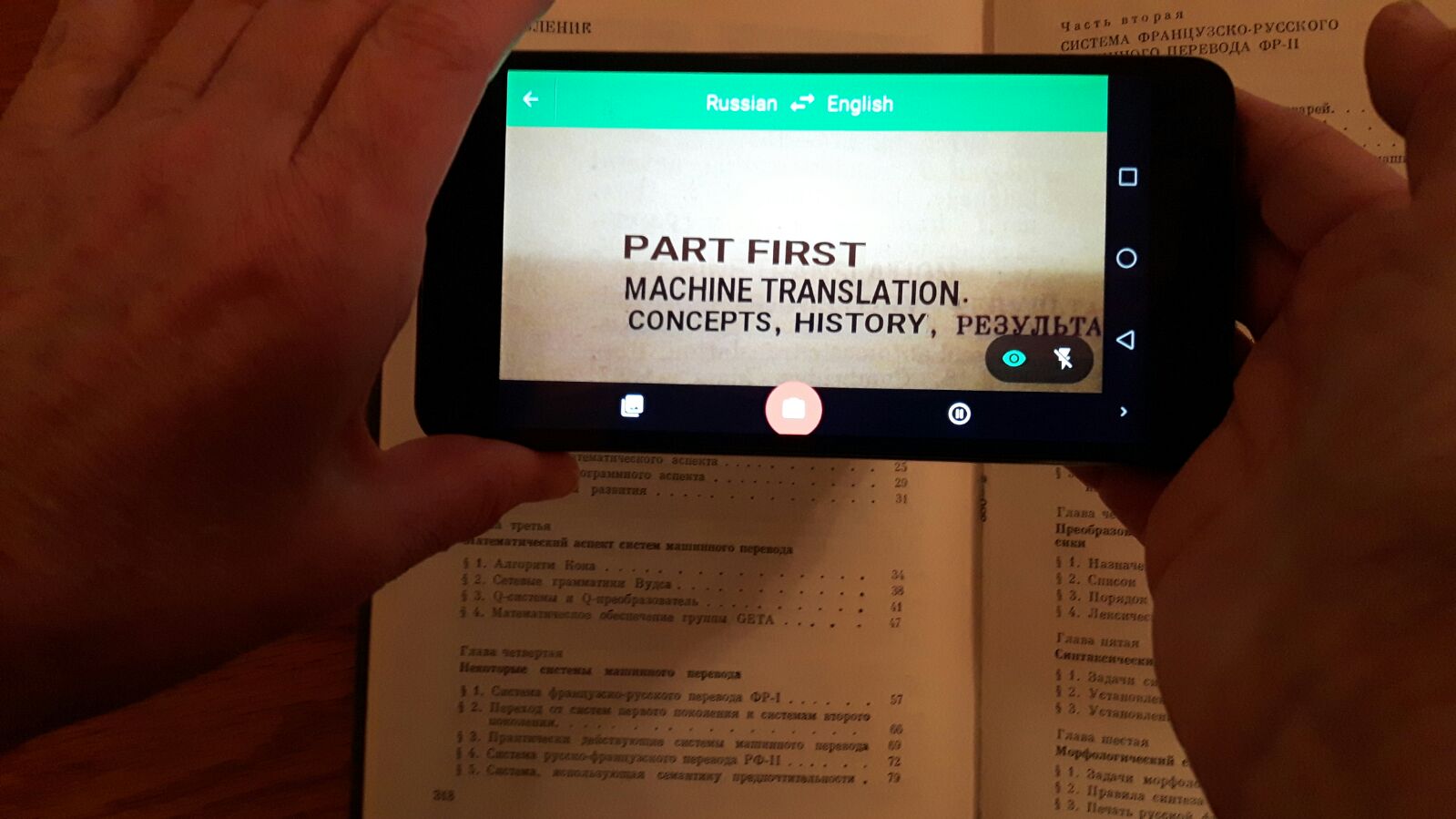
I send a note off to a student asking if they want to help me but I can’t stand to wait for her answer, I have to know right away if the user study is covered. Google Translate app to the rescue! I whip out my phone and start hovering…

book1book2

This app, as many of you know, is not at its finest in skimming books. I patiently move it through the table of contents, though, and get a fairly decent idea of what kinds of information is in it.

End result: dead end on the user study, looks like it’s not in this book. I’ll have to try the 1982 article. But it’s nice to get an answer so quickly.

And somehow I think that Olga might like the idea of someone reading her work on machine translation through a translation app in their phone.

Interview with Gus, university lecturer

10 December 2017

Gus is a Scottish man who has been living in Finland for the past 5 years or so. When he arrived, he knew no Finnish at all. By now he has learned some but mostly communicates in English (which is possible in Finland).

During his first years in Finland, Gus used Google Translate to understand Finnish texts. That worked fine for digital texts that he could copy/paste into the tool. The problem came with print texts such as notices on the wall of his apartment building and official letters.

About a year ago, Gus got a new Android phone and went looking for tools that could help him with his translation needs. He put together a workflow involving Text Fairy, a text recognition app, and machine translation in the form of the Google Translate app.

Q: What kinds of things do you translate using Text Fairy + Google Translate?

Gus: I mostly use it for official notifications. They tend to put up notices on the wall in my apartment building, so I use it with those. Or I might get an official document in the mail, a letter from the bank, an insurance document, once I got a notification about voting. I use it mostly in those cases.

I might use it with a sign I don’t understand, things in stores, but that is rare. Most often I understand everything but 1 or 2 words, and then it’s easier to punch it into Google Translate directly. I’ve even taken pictures off my computer screen and used it. I had one of those PDFs that don’t let you copy text from them, so I just took a picture instead. It worked.

Q: How long have you been using text recognition + machine translation?

Gus: About a year. My old phone was a Nokia and didn’t have any good apps available for doing this kind of thing. I got a Samsung about a year ago and found these apps. I tried out a few that claimed to translate texts directly but their text recognition was fairly poor. I noticed that Text Fairy did a pretty good job of it, so I put that together with Google Translate.

Q: Do you ever have problems with it?

Gus: Texts that are too small are hard for the text recognition function to figure out.

Q: In the case of your use with official documents, what is your main goal?

Gus: Mere comprehension. To get specific, I will start with the first paragraph to see what the thing is about. If I decide that it looks important, then I go into more detail, translating further paragraphs.

Q: How often do you use this method to translate texts?

Gus: 2-3 times a month.

Q: Do you always understand the translations you get?

Gus: I can usually figure them out. Never had one where I couldn’t tell what it was talking about.

Q: If you don’t understand something in a translation, what do you do?

Gus: When I get stuck, it’s usually just 1-2 words that are unclear, so I type those into Google Translate.

Q: If you couldn’t use your method for machine translating texts, what would you do instead?

Gus: I would have to type things into Google Translate. If I didn’t have access to that either, I would use a dictionary and I would ask people to translate for me. I’m happy to have this solution because of the convenience. I don’t need to go bothering other people to translate for me.

Q: Do you make decisions based on the texts you translate with this method?

Gus: No. If I was dealing with a big or risky issue, I would make sure I fully understood the text by asking a colleague to translate.

Q: You said you normally translate from Finnish to English. Have you ever used this solution with other language pairs?

Gus: I was in Spain a few weeks ago and used it to translate from Spanish into English. A friend and I were almost sure we understood a document she had gotten, but we wanted to make sure. So we used it to verify we understood.

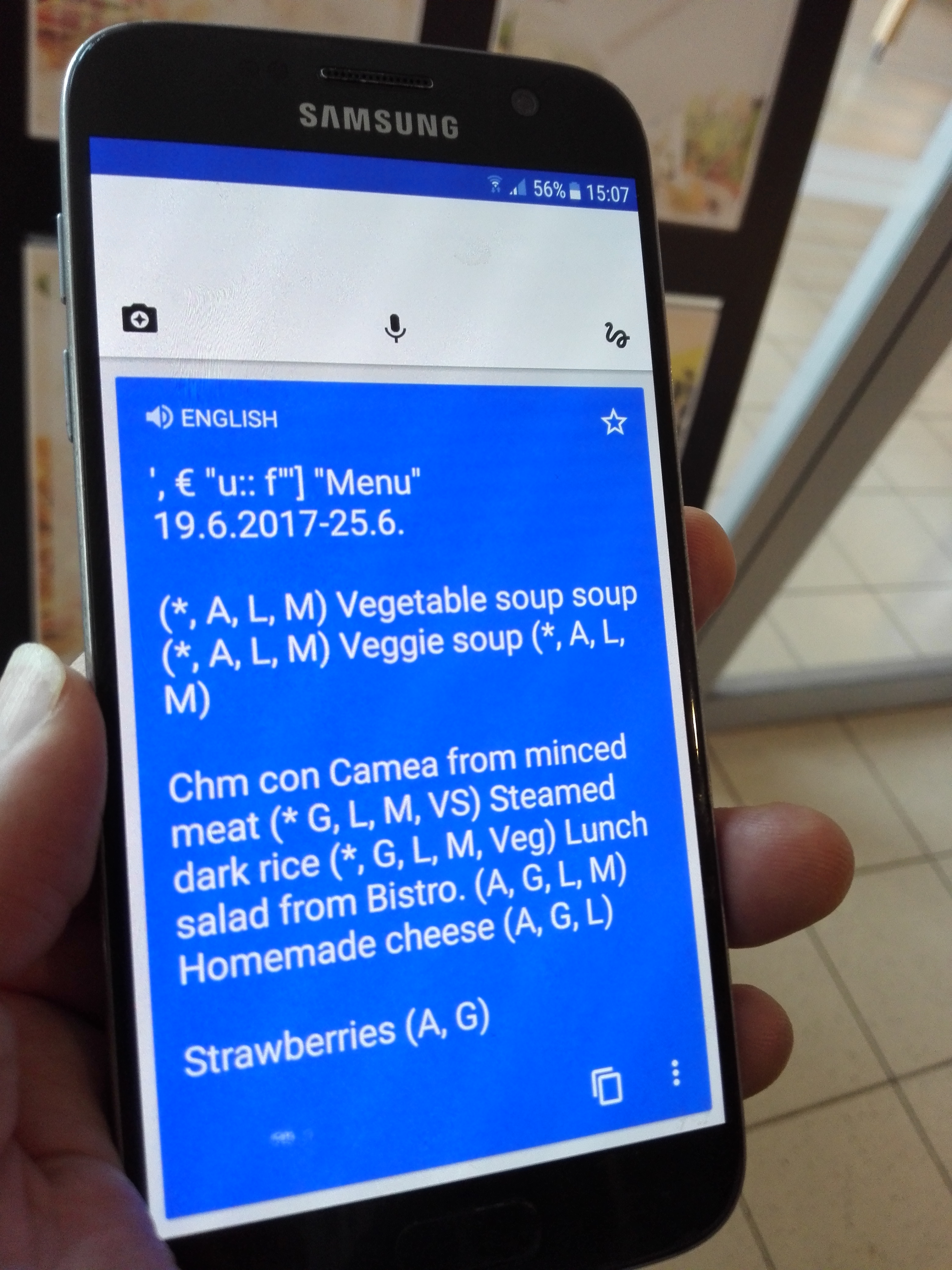
Demo: translating the day’s menu at the university cafeteria using Text Fairy + Google Translate

Gus1

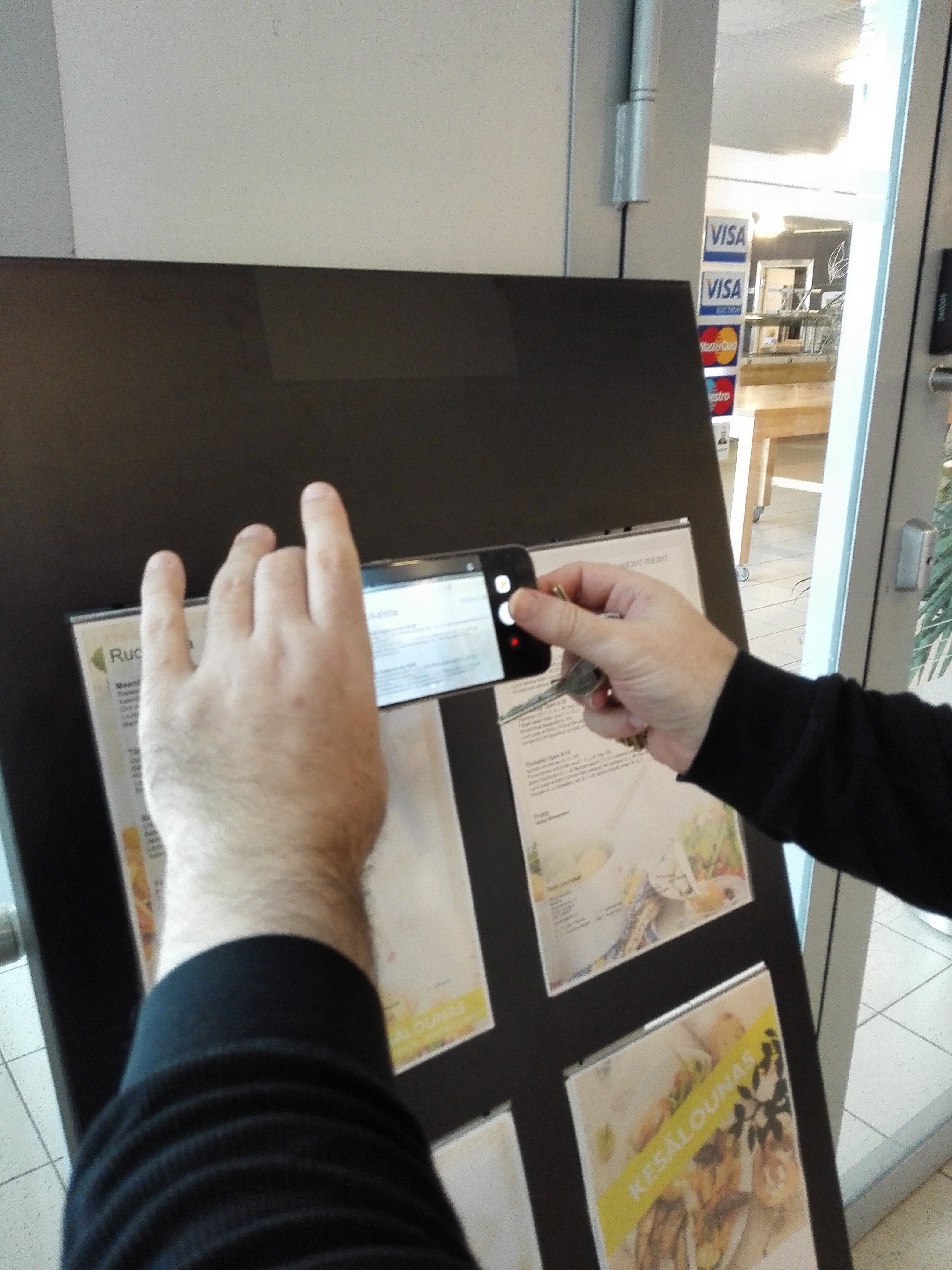
1.  Gus takes a picture of today’s menu.

Gus2

2. He crops it to include only the text he’s interested in. Text Fairy crops the image.

Gus3

3. He tells Text Fairy how many columns of text there are, verifies that the original text is in Finnish, and starts the text recognition.

Gus4

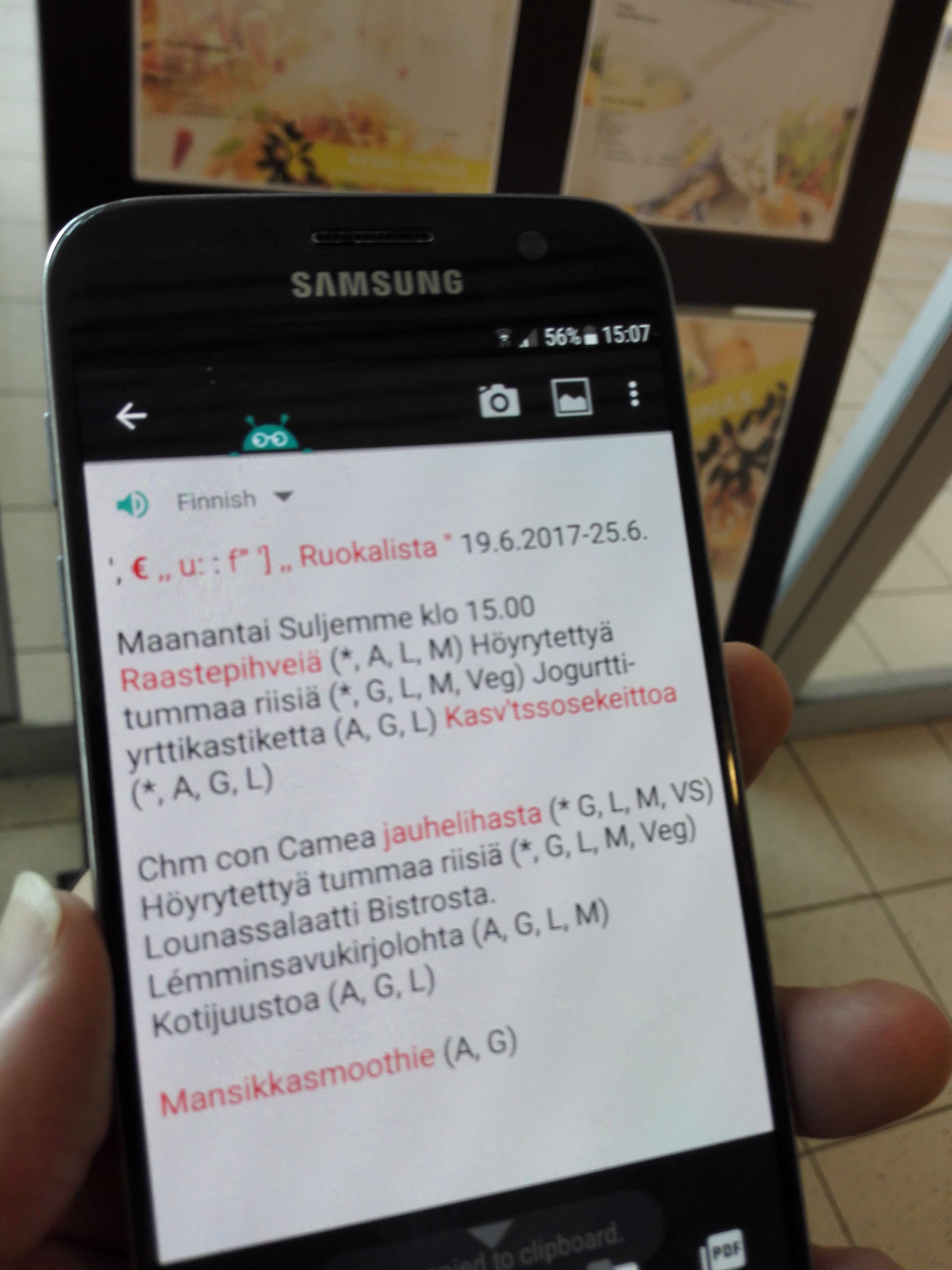
4. Text Fairy shows him the result of the scan.

Gus5

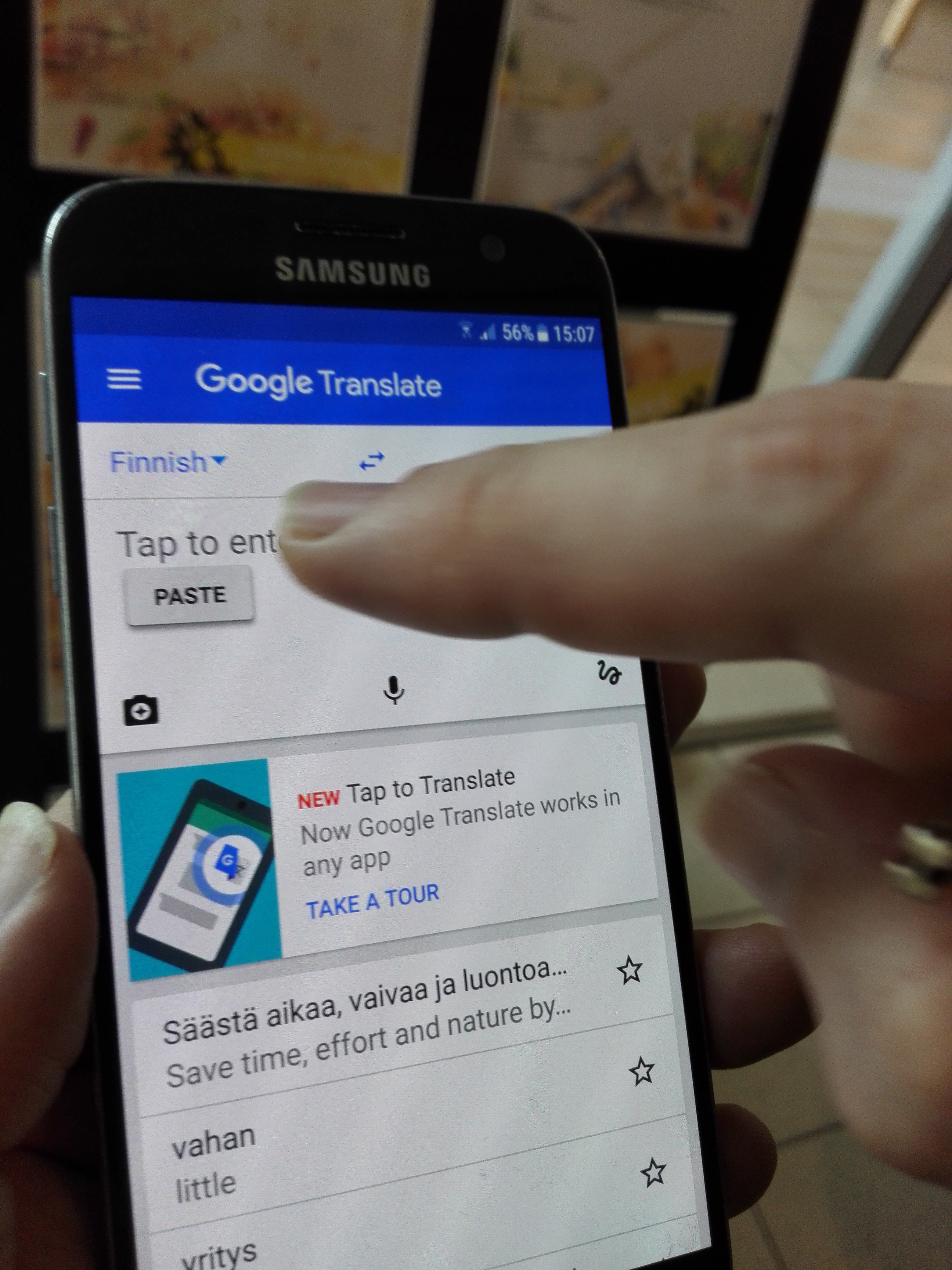
5. He copies the text, opens Google Translate, and pastes it there.

Gus6

6. He sees what delicacies await him in the cafeteria!